Effortlessly create stunning presentations directly in Google Slides and PowerPoint by leveraging AI that's fast, intuitive and impactful.
Used by leading companies and universities
Genuine User Experiences
“Working fantastic and very helpful.”
Saving me so much time by automatically generating subtitles on each page and analyzing my paragraphs into bullet points! Highly recommend! The support is super fast and helpful.
“It makes formatting slides much easier than doing it manually”
SlidesAI.io is a great product that integrates seamlessly into PowerPoint. The function of summarising slide content into easily digestible information is very useful. It makes formatting slides much easier than doing it manually.
 Jackie Wildish
No need to learn a new tool
 Google Slides and
  PowerPoint
SlidesAI integrates seamlessly with Google Slides and PowerPoint, so you can create and edit presentations without switching platforms
4.7 stars
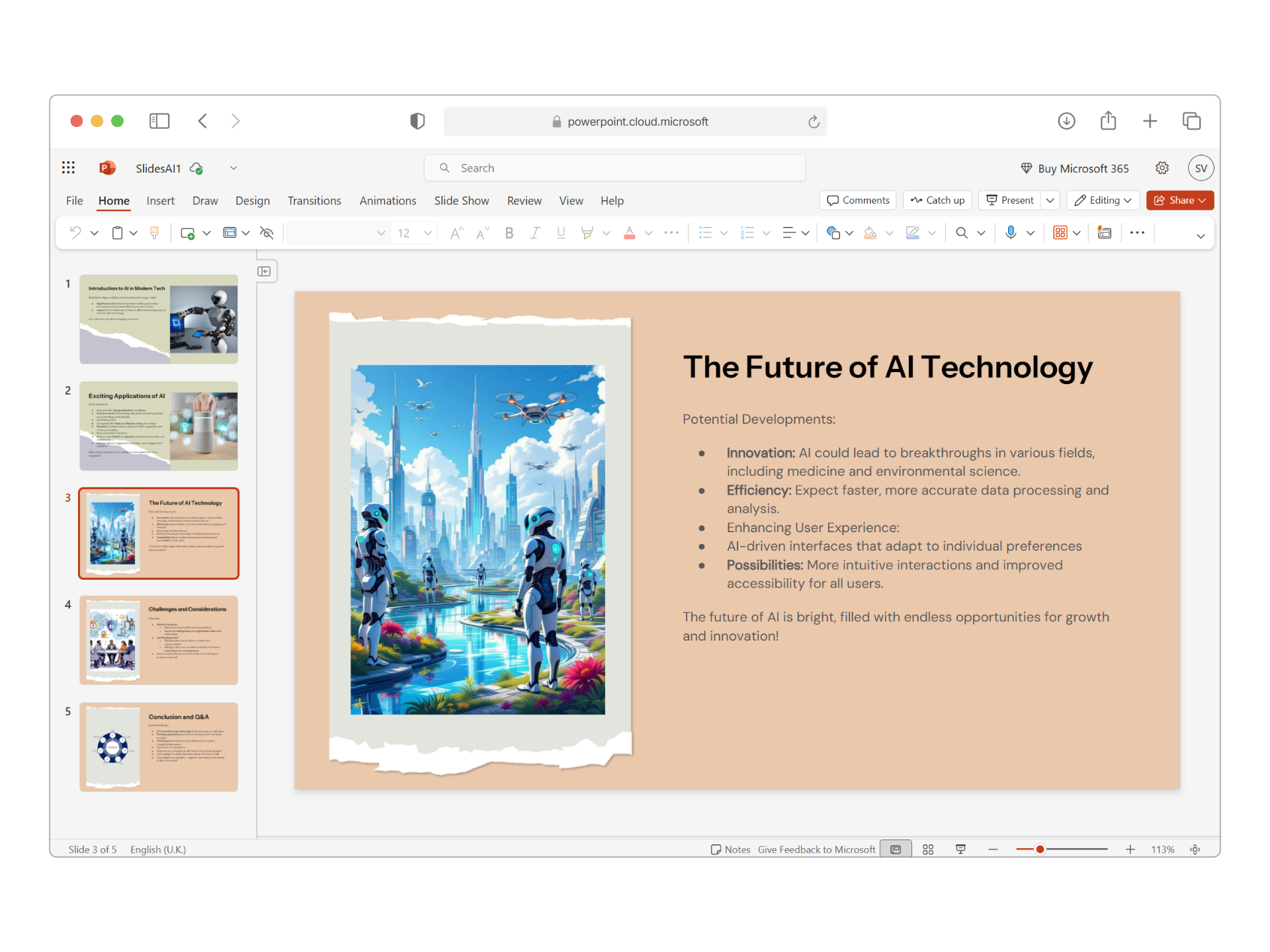
Turn ideas into clear slides
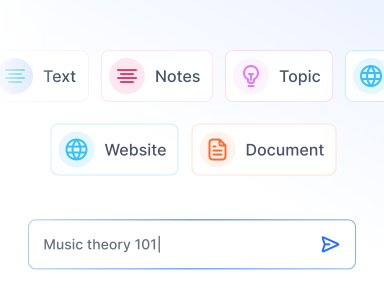
Add SlidesAI from the Google Slides Extension or PowerPoint Add-ins Store. Start a new presentation or enhance an existing one.

Enter a topic or paste your notes, and let AI build slides in seconds. Choose the tone, refine the content, and select a template that fits your message. Adjust layouts and visuals to match your style, preview the outline, and generate your slides.

Tweak wording, rephrase, translate, and adjust layouts directly from the panel. Share or export your presentation as a PPTX - fully compatible with both Google Slides and PowerPoint.
Create Stunning Presentations, Instantly.
From Text to Presentation with AI. Launch a complete presentation from a single prompt. Enter your topic, and our AI presentation maker organizes sections, writes content, and builds professional slides instantly.
Powerful, Simple, Effective
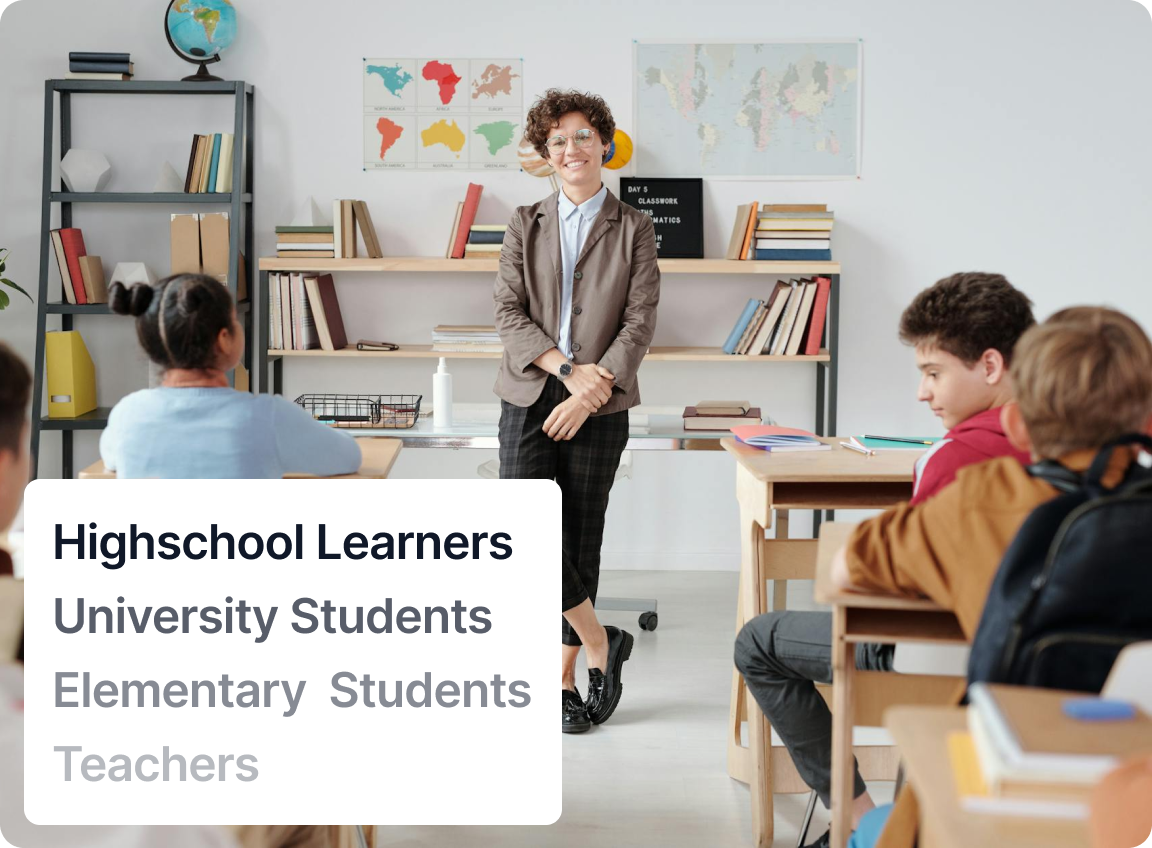
Quickly turn your lecture notes, lesson plans, or ideas into clean, visually appealing slides with our AI slides maker. Save valuable prep time and keep your students engaged with well-structured and easy-to-follow presentations.

Micheal Gallant
Middle School Teacher
"Very cool extension! I am a middle school teacher and started making a choose-your-own adventure story about World War 2. I put a brief prompt and the program generated a 26 slide presentation that was quite a good outline, with great looking theme, fonts, and pictures"
Customer Testimonials

Maria Vasilyeva
Great! In a few seconds you can get a structured presentation with a photo, it saves me a lot of time! Great tool! Thank you Anurag!

John Little
Just starting to play with the app. It was recommended by a friend and so far so good! Also, the tech support was fast and beneficial!

Oghale Agbawhe
This app exceeded my expectations. It is very useful and convenient, saves time and eliminates the stress of manually creating PowerPoints. I highly recommend it!

hassanain ali
working fantastic and very helpful. Saving me so much time by automatically generate sub-titles on each pages and analyze my paragraph to points form! highly recommend! The support is super fast and helpful, I didn’t even expect to get such a fast responds at late night time
Widi Oremo
Amazing product. It was very easy to use and intuitive. I was also assisted very promptly by its creator and team when I needed help.

Marcelo Caballero
Genial, te reduce los tiempos y bloqueos mentales para realizar una presentacion de algun tema en especifico. asi es posible concentrarse en los detalles. Muy Util.
SlidesAI Pricing
Monthly BillingYearly Billing2 months free
Good enough to get started
Perfect plan for students
For Educators and Professionals
This product is sold directly by Paddle.com, the official Merchant Of Record (MoR)/Reseller of SlidesAI. Additionally, Paddle is neither a subsidiary nor a related entity, nor a distinct person for SlidesAI.
We've compiled a list of the most common questions we get asked.
If you have a regular gmail account, you can use SlidesAI. You don't need a Google Workspace account. Just install SlidesAI from Google Workspace Marketplace
You can cancel your subscription at any time. To do so, please go to the 'Your Account' tab, You can follow this guide also please share your feedback with us so we can improve.
No, you don't need to create an account separately. You can simply run SlidesAI from a Google Slide Presentation and your account will be automatically created.
Please send us a message via that Chat Button on the bottom left corner of the page and we will get back to you as soon as possible.
Yes! SlidesAI works seamlessly with both Google Slides and Microsoft PowerPoint. So you can use it regardless of your preferred presentation software, No need to learn a new tool, just use what you already know. Moreover you can even create slides just by chatting with SlidesAI chatGPT, no design skills required.
You can use prompts like 'Create a 10-slide PowerPoint presentation on renewable energy for high school students' or specify your topic, audience, and tone. SlidesAI will handle the rest!
Yes, SlidesAI provides a variety of prompt templates to help you get started quickly. You can choose from popular topics or customize your own prompt for best results.
Usage limits depend on your SlidesAI plan. Free users have a limited number of presentations per month, while paid plans offer higher or unlimited usage. Check our pricing page for details.
No, you can try SlidesAI's ChatGPT-powered presentation maker for free with limited usage. For more features and higher limits, you can upgrade to a paid plan.
Yes, the ChatGPT integration is available to all users. Free users can generate a limited number of presentations each month. Upgrade for more access and advanced features.
An AI-generated presentation is a slide deck created automatically by artificial intelligence tools. You provide a topic or text, and the AI designs the layout, writes the content, and selects images for you.
An AI presentation maker is a tool that uses artificial intelligence to build presentations instantly. It automates slide creation, design, and content writing, saving you hours of work.
You can generate a presentation using ChatGPT by using SlidesAI's integration. Visit
ChatGPT Presentation Maker page
to learn how to turn your ChatGPT conversations into professional slides.
Most AI presentation tools require a login or installation to save your work. SlidesAI offers a seamless experience with a simple installation for Google Slides or PowerPoint.
It depends on the image source. SlidesAI uses royalty-free stock images, so you generally don't need to provide credits, but it's always good practice to check specific licensing terms.
Yes, SlidesAI allows you to upload and use your own images to personalize your presentation and match your specific needs.
SlidesAI saves you time, ensures professional design, and helps you overcome writer's block. It's user-friendly, versatile, and integrates directly with the tools you already use like Google Slides.
Absolutely! After SlidesAI generates your presentation, you can fully customize the text, layout, colors, and images to fit your style and requirements.
Since SlidesAI works directly within Google Slides and PowerPoint, your presentation is already saved. You can easily download it as a PPTX, PDF, or other formats from the File menu.
Yes, AI tools like SlidesAI can create entire presentations for you. Just provide a topic or text, and the AI handles the structure, content, and design.
ChatGPT alone generates text, but with SlidesAI, you can turn that text into fully designed slides automatically.
You can make a PPT for free using SlidesAI's free plan. Simply install the tool, enter your topic, and generate a professional presentation at no cost.
SlidesAI is considered one of the best AI presentation makers due to its seamless integration with Google Slides and PowerPoint, ease of use, and high-quality output.







暂无评论,快来抢沙发吧!