


JPG, PNG, WebP · Max 500 images
Upload up to 500 images at once!
With Background Remover, it is as easy as one-two-three.
1
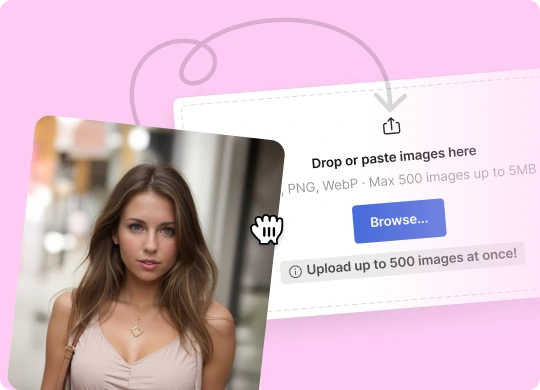
Upload your image or a batch of images
Once uploaded, the tool will automatically remove the background. This may take a few seconds, depending on the file size.
2
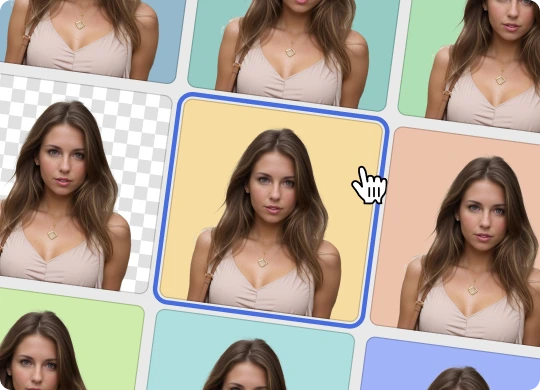
Optionally, add a new background
Choose solid-color or photo backgrounds from our gallery or any image of yours to use as a new background for your picture.

3
Download the final image
Once you’re happy with the result, save it.
Simplify your workflow with our online AI background remover. Remove backgrounds from photos with a single click, leaving a clear background that’s ideal for all your creative needs.
Quick, easy, and hassle-free — perfect for anyone who wants professional-looking images in seconds.

All similar online tools are focused on photos.
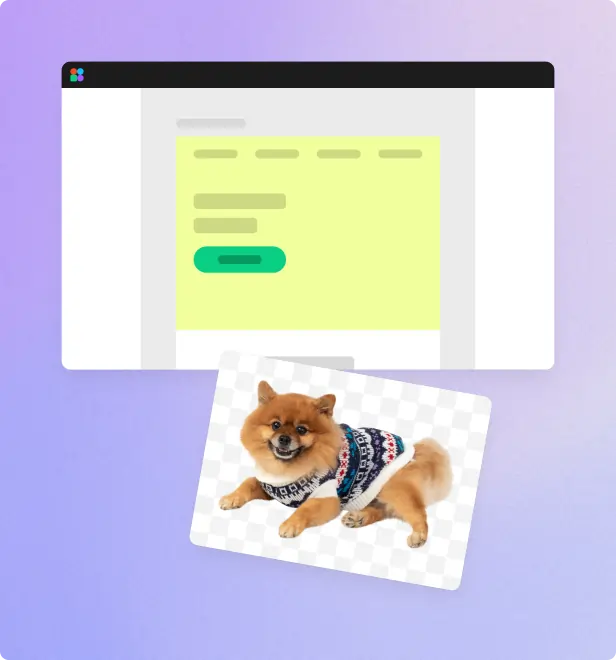
We went further and trained our AI background remover to work with all types of images: logos, illustrations, lettering, signatures, portraits, product photos, and other graphics. It can also easily cut out backgrounds from tricky objects, like hair, jewelry, or cloth folds, providing a clean, precise result every time.

Our tool ensures precise background removal, maintaining your image's original size and quality. This is crucial for professional use, such as in marketing materials, presentations, or product photos.

Explore the diverse image editing capabilities of our online background eraser. Replace transparent backgrounds with white, any other solid-color or photo backgrounds from our gallery.
Whether you want a clean, professional look or something more creative, it's a few clicks away —no need to leave our tool.

Background Remover

Erase.bg
Removal.ai
Trace
Upload your image
Or try one of these:
JPG, PNG, WebP · Max 500 images
Upload up to 500 images at once!
Frequently asked questions
How does it work?
Background Remover uses artificial intelligence to detect the subject of the photo, mask the image, and remove the background. Drop an image or batch of images onto the page, wait, and download the result.
What images work best with Background Remover?
Images with clearly defined subjects, such as a person or object, will provide the best results. If the image has no clear point of focus, our AI may handle it incorrectly.And while this works well on most images, Background Remover may crop out some tricky details such as hair blowing in the wind. It does not change the dimensions or improve the overall quality of your photos. If you want to make your images larger and sharper, try our Smart Upscaler!
Where are my images stored?
We securely store uploaded images to let you view your history and re-download cutouts without using costly GPU power to perform the same background removal again.
Get Background Remover API access
With access to our API, you can integrate background removal directly into your own products. Stop wasting time trying to hire someone on Fiverr or Upwork to clip images!
Have any other questions?
Contact us
here so we can help.
评论 0